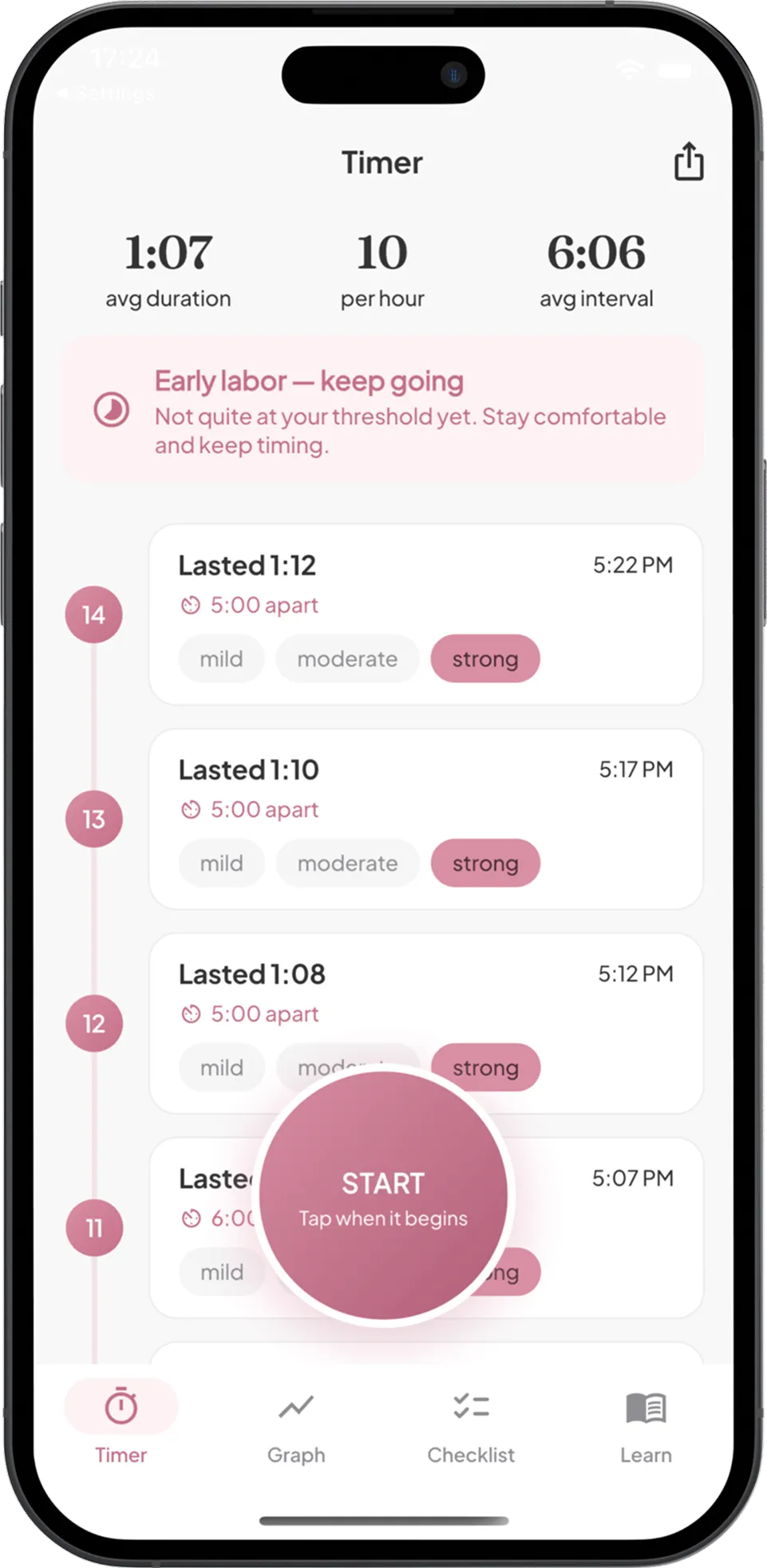
Online contraction timer
Tap when a contraction starts and when it ends. See each one's duration and interval, your last hour at a glance, and keep the log on this device.
Updated October 2, 2026. Sources listed below.
Start timing to see your pattern here.
| # | Started | Duration | Interval |
|---|
No contractions logged yet.
Nothing you enter leaves this page. The result is an estimate for information only, not medical advice.
What the numbers mean
Duration is how long one contraction lasts, from the moment you tapped Start to the moment you tapped Stop. Interval is the time from the start of one contraction to the start of the next; that is the "minutes apart" figure in most labor guidance. The last-hour panel averages the contractions that started in the past 60 minutes.
The pattern line compares your last hour to the 5-1-1 description, nothing more. It does not tell you what to do. ACOG's patient guidance notes that the timing providers ask for varies, and that you should call when your own provider told you to, or sooner if anything concerns you.
Privacy
The log lives in your browser's local storage on this device. We never see it. Copy it to share, and clear it from the page when you are done.
Sources
Frequently asked questions
How do I time a contraction?
Tap Start when you feel the contraction begin and Stop when it fades. The timer records how long it lasted (duration) and how long it has been since the previous one started (interval, also called frequency). Both are measured start to start, which is the convention used in labor guidance.
What does 5-1-1 mean?
It is a commonly taught description of a labor pattern: contractions about 5 minutes apart, each lasting about 1 minute, continuing for about 1 hour. Providers differ in what they ask for, especially if this is not your first birth or your pregnancy has particular circumstances, so follow the instructions you were given.
Is my log saved?
Yes, in your browser's local storage on this device only. It survives a reload and a closed tab, but it is not synced anywhere and clearing site data removes it. Use the Copy button to paste the log into a message for your partner or provider.
Will the timer keep running if my screen locks?
The start time is saved the moment you tap Start, so the elapsed time stays correct when you return, even if the page was suspended. You just need to tap Stop when the contraction ends.
Get Labor Companion
Labor Companion adds the 5-1-1 alert, hourly graphs, a hospital-bag checklist and one-tap sharing of your log with your partner or provider.